Notifications
Account, app, and agent updates that need your attention. Inbox view with filters and an archive.
Overview
The Inbox at /dashboard/inbox is the inbox for everything that wants your attention: org invitations accepted, agent runs that need approval, billing alerts, and security events on your account.
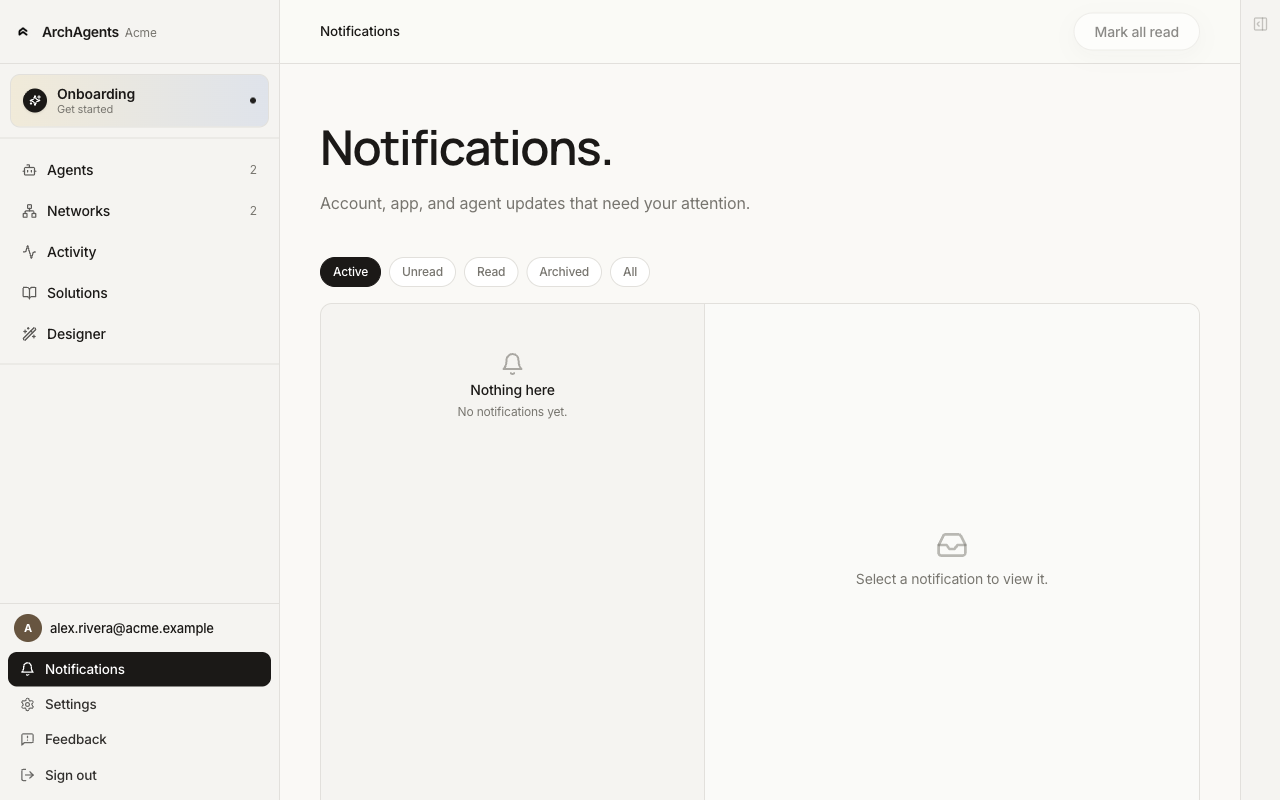
The bell in the top bar surfaces unread counts. Click through to the full page when you want to filter, archive, or read context-heavy items.
Filters
The header has four filter chips:
| Filter | What it shows |
|---|---|
| Active (default) | Items that haven't been archived. Day-to-day view. |
| Unread | Items you haven't opened yet. |
| Read | Items you've opened but not archived. |
| Archived | Items you've explicitly dismissed. |
Mark all read in the header zeroes out the unread count without archiving.
What shows up here
The platform routes notifications to your inbox for things that have an actor (your account), a subject (an org, agent, or thread), and a verb that's worth surfacing later. Examples:
- An org invite you sent was accepted.
- An agent's routine is paused because a required credential expired.
- A teammate joined your org.
- Your 2FA enrollment lapsed and is being re-required by org policy.
- A Solution you installed has a new version available.
This is not the place for live agent activity, runs, or thread messages. Those go through the Activity Feed and the threads themselves. Notifications is the durable inbox; Activity is the live tape.
Where to go next
- Activity Feed: the live feed of agent runs and routine events.
- Developer Portal: the dashboard the Notifications page lives on.
- Sign-in and Two-Factor: account security settings that produce notifications.
Need something clearer?
Tell us where this page still falls short.
If a step is confusing, a diagram is misleading, or a workflow needs a better example, send feedback directly and we will tighten it.